
Sesame Logo

Book worry free

With Sesame it’s free to cancel up to 24 hours before your appointment time.

Why Sesame

  • Get great care while staying home
    See your doctor while helping prevent the spread of the virus.

  • Access a breadth of care
    From physical therapy to sleep consultations, find a wide range of care on Sesame.

  • Seamless appointment experience
    Our video appointment technology is intuitive and easy to use.

    Book a video visit

Sesame is open to everyone

Great care for a transparent price comes standard with us, regardless of your insurance status.

  • For people with insurance
    Even when you have health insurance, high deductibles and gaps in coverage can mean your plan falls short.

  • For people without insurance
    See top-rated doctors in your community for a transparent price. Easy online booking and payment mean you get the best care without the usual frustrations.

About telehealth appointments

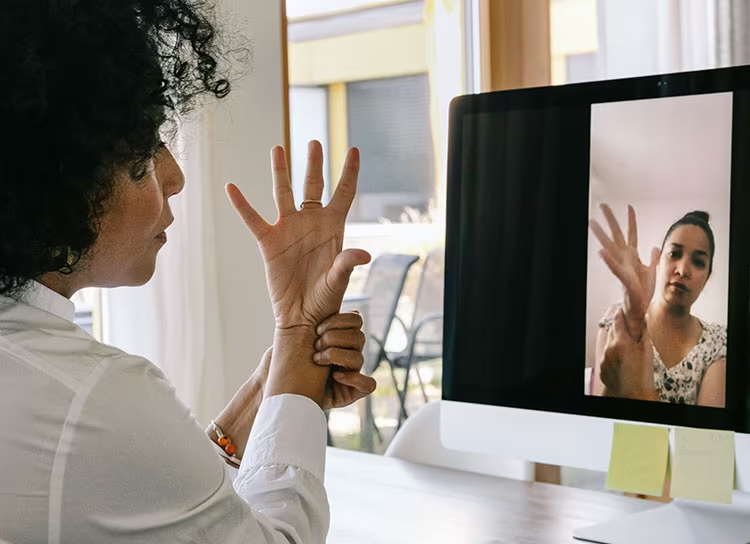
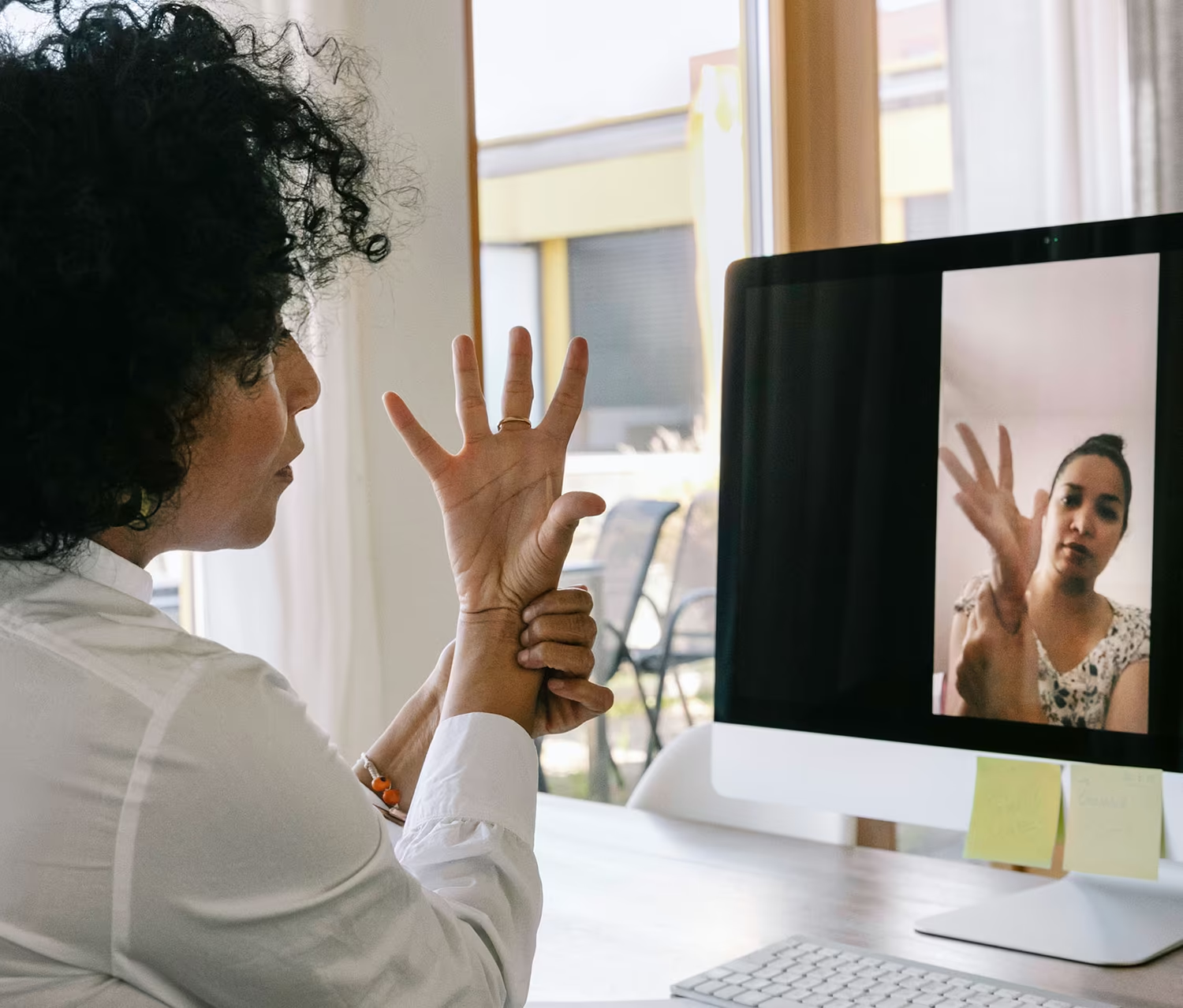
Telehealth appointments are medical visits that allow you to speak to a doctor or health care provider online via video call. These visits allow you to access care at home or on-the-go, often at a better price.

Doctors on Sesame provide high-quality care over video, including everything from treating the common cold to crafting a treatment plan to fight depression, and so much more. To get the most out of your visit, make sure you are in a well-lit space with a solid WiFi connection.

After you book a video appointment, you will receive both an initial confirmation and a reminder via email and text.

There are three ways in which a video visit can be accessed:

  1. Select the Join virtual appointment button in your booking confirmation email. If you have an existing account or created one at purchase, log in at sesamecare.com, navigate to My appointments, then select Join virtual appointment.
  2. Click the link in the text message sent to you 15 minutes prior to your scheduled appointment time.
  3. Log into your Sesame account through the mobile app or web browser, and join your visit from there.

If you're using a web browser, we suggest using Google Chrome, Firefox, or Safari to connect to your visit.

If you didn’t receive your visit invite, you can still access your appointment details directly through your account.

On web:

  • Log in to your account
  • Click your profile icon in the top right corner
  • Select Visits from the dropdown menu
  • You will see both upcoming and past visits there

On mobile app:

  • Open the app
  • Tap More
  • Select Visits
  • You will be able to view your upcoming and past visits from there

If you still can’t locate your visit after following these steps, please contact Sesame Customer Support for further assistance.

If your provider is unable to attend the visit, you’ll have the option to either reschedule by selecting a different provider or you can choose another time with the same provider.

Alternatively, you will be given the option to request a full refund if that's what you'd prefer.

If you need assistance with scheduling, please contact Sesame Support by emailing support@sesamecare.com, or by calling +1 (877) 947-6411.

The service name and details will clarify if the appointment you’re booking is via video.

All lab orders are submitted by Sesame providers. If you need a lab order, you'll first need to book a visit with a Sesame provider of your choosing.

To book an appointment with a provider in your state, you can use the link here. Please confirm your location in the top right corner of the page.

Please note that providers may issue lab orders when clinically appropriate. Since this is determined after an assessment, lab orders are not guaranteed with the purchase of an appointment.

Yes, physicians on Sesame can prescribe a wide range of medications, which can be useful for infections, allergies, and other acute ailments. Please note that they will not prescribe certain drugs, such as narcotics or medications that have been designated controlled substances through telehealth.

Otherwise, many of the prescriptions available in an office setting or urgent care can be prescribed if your clinician deems it appropriate.

Providers are able to issue notes, referrals, lab orders, or other paperwork when deemed appropriate. Providers are not able to assist with worker's compensation, FMLA, disability, or insurance paperwork. In-person care is sometimes required to obtain paperwork from a provider.

Inclusions and exclusions can be viewed prior to booking in the service details.

Work note or other paperwork requests must be shared before or at the time of service. Sesame is unable to facilitate paperwork requests after completion of the visit.

Sesame is unable to provide paperwork specific to requirements for filing insurance claims.

Sesame providers are unable to prescribe controlled substances, including narcotics, through virtual visits. These prescriptions may be prescribed in an office setting and require in person care, if deemed clinically appropriate.

After booking your telehealth appointment on Sesame, you will receive a link to test the phone, tablet, or computer where you will speak with your provider.

Sesame will send you a unique and secure webpage for you to access your telehealth appointment directly from your web browser or mobile app. In the rare case that you run into any technical issues, our friendly support team is available to walk you through any challenges.